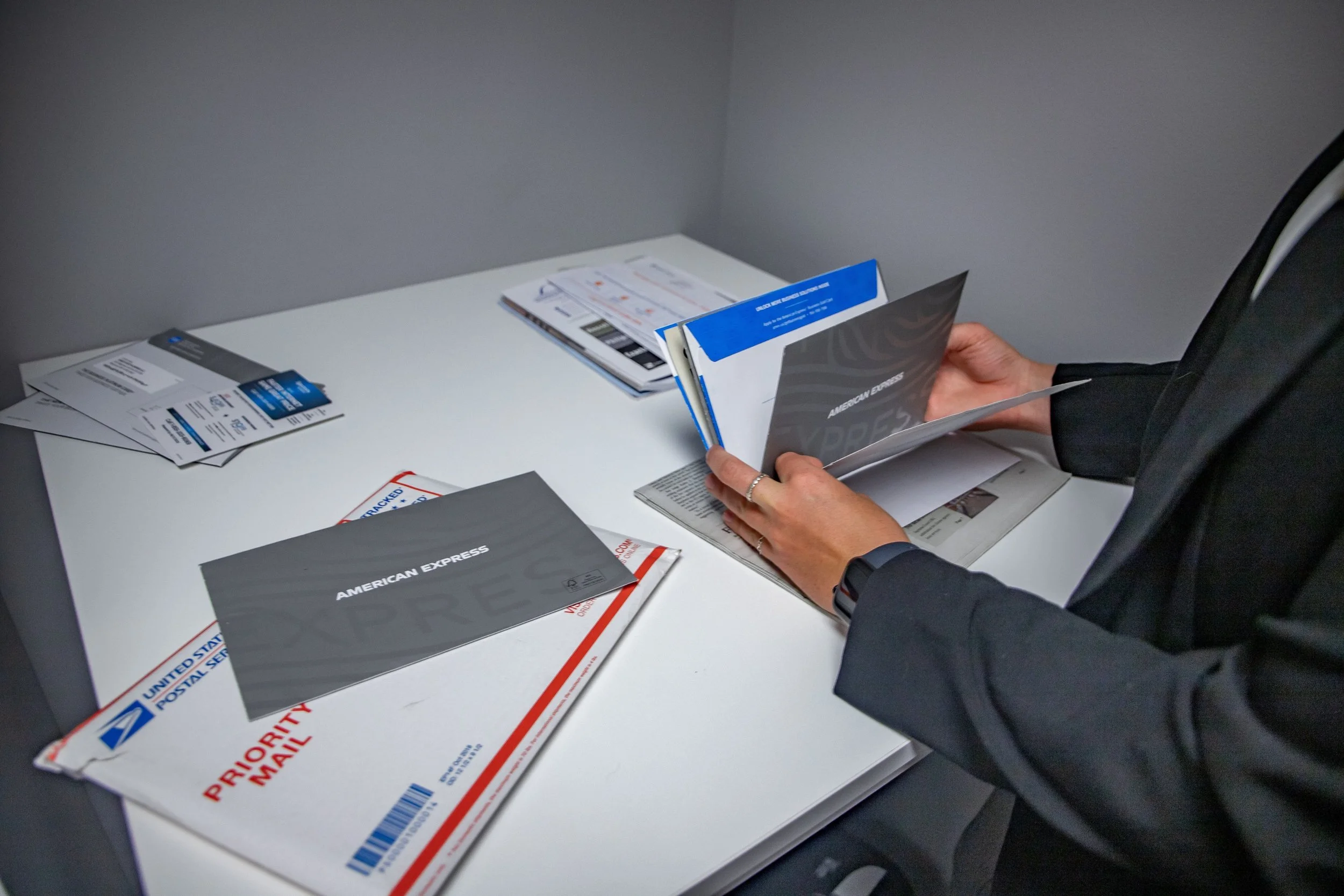
The U.S. Postal Service requires all private mailbox customers to complete or update USPS Form 1583, also known as the “Application for Delivery of Mail Through Agent”. Form 1583 allows us, as your chosen Commercial Mail Receiving Agency (CMRA), to receive mail on your behalf!
Download USPS Form 1583 here
Instructions for Completing USPS Form 1583
Identification Requirements
You must provide two different forms of identification.
One must be a government-issued photo ID, and the other must be an ID showing your current home address.
Acceptable ID types are listed in Sections 8e (photo ID) and 9g (address ID) of the form.
Step-by-Step Form Guide
Block 1 – For Date PMB Opened enter the start date of your membership. Leave Date PMB Closed blank (this will be filled out when you end your membership).
Block 2 – Enter ThriveCo’s mailing address. For 2b (PMB #) enter your personal mailbox number. Not sure of your PMB #? Contact our team!
Clayton address: 222 S Meramec Ave, STE 202, St Louis, MO 63105-3514
Chesterfield address: 18336 Edison Ave, Chesterfield, MO 63005-3618
Block 3 – Select one option (Business/Organization Use or Residential/Personal Use). This is for USPS records only and will not affect your ThriveCo membership.
Block 4 – Enter your legal name, phone number, and email address. For 4k (“Is applicant a court-ordered protected individual?”) select No.
(Skip 4f–4j for now; you’ll return to them after completing Block 9.)
Block 5 – Fill out ONLY if authorizing an additional person to pick up mail. This person must also present two forms of identification and complete Blocks 10 & 11.
Block 6 – Fill out ONLY if ThriveCo membership will include Mail Forwarding
Address where the mail will be forwarded to
Applicant Name and Email Address
Block 7 – Only complete if you selected “Business/Organization Use” in Block 3. Provide:
Business/organization name
Type of business
Business address (as officially registered)
Business phone number
Place of registration (Country and State if domestic; Country only if foreign)
Block 8 – First, select the photo ID you are using. Then provide:
Full legal name as it appears on the ID
ID number
Issuing state or agency
ID expiration date
Block 9 – First, select the non-photo ID type. Then provide:
Legal name and address exactly as listed on the non-photo ID
Return to Block 4f–4j and complete using the address from the non-photo ID
Block 10 – Fill out ONLY if authorizing an additional person to pick up mail. Select the photo ID they are using. Then provide:
Full legal name as it appears on the ID
ID number
Issuing state or agency
ID expiration date
Block 11 – Fill out ONLY if authorizing an additional person to pick up mail. First, select the non-photo ID type. Then provide:
Legal name and address exactly as listed on the non-photo ID
Block 12 – List members who will be receiving mail at this PMB. Each person listed must, upon request, present two forms of valid ID to the Postal Service.
Block 13 – Applicant signs and dates here.
Block 14 – Completed by the ThriveCo agent or notary public.
Page 2 (back of form)
If you are using a notary public, the notary section at the bottom must be completed and sealed.